
Authors with Full Account Admin permissions can manage authors and their permissions, regardless of role.
To export a list of authors in .csv format:
- Go to Account > Authors.
- Select Export all authors to CSV:
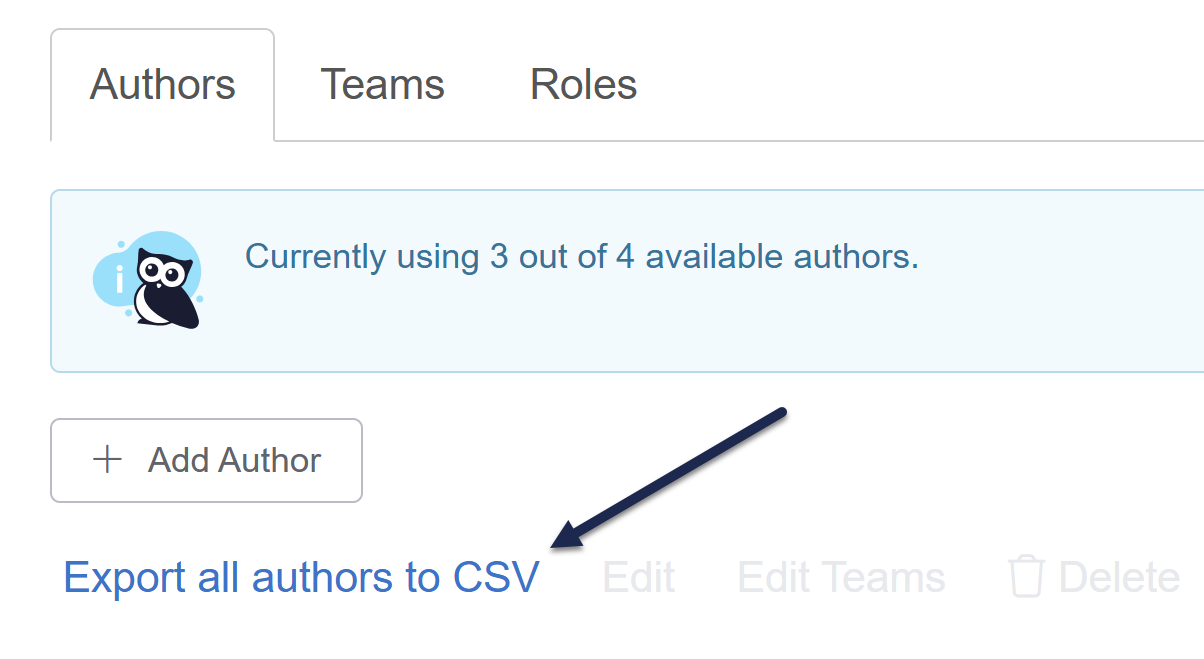
- Once the CSV export is generated, your browser will automatically download it.
The CSV export this generates displays the following fields:
- Author ID: A random ID we assign to the author behind the scenes; you can ignore this.
- Last name
- First name
- Admin: Whether the author is designated as a full admin (Yes/No)
- Last Activity: The date/timestamp when they last did anything in KnowledgeOwl
- Last Login: The date-timestamp when they last logged in to KnowledgeOwl. Since our login page supports Keep me logged in, sometimes this date is very different from date of Last Activity. If you're trying to determine when an author last did anything, Last Activity is a better measure!
- Author Teams (if more than one, these will appear in a comma-separated list)
- Reader Groups (if more than one, these will appear in a comma-separated list)
- One column for each knowledge base in your account--if the author has access to the knowledge base, the role they have will display in the knowledge base's column
Here's a sample:
| Author ID | Last Name | First Name | Admin | Last Activity | Last Login | Author Teams | Reader Groups | KB Name | |
|---|---|---|---|---|---|---|---|---|---|
| 6xxx | Owl | Linus | linus@knowledgeowl.com | Yes | 04/27/2023 7:06pm EDT | 04/04/2023 5:34pm EDT | Administrators |
|
Editor |
| 6yyy | Einstein | Owlbert | owlbert@knowledgeowl.com | No | 04/25/2025 10:04am EDT | 04/25/2025 9:02am EDT |
|
|
Writer |
This export can make it easier to audit your authors' access and see when they've logged in/been active.