
One of the most powerful things about our Contextual Help Widget (2.0) is in the very name: providing Contextual help. The widget is aware of the page path it's on when it's opened, which means you can recommend specific articles or categories on different pages.
How it works
For articles or categories in your knowledge base, you enter relative URLs from your app or website into individual articles or categories as you edit them. When a reader opens your widget from the site where you have it embedded, the widget grabs the relative URL and displays the list of relevant content in the Recommended tab.
For example, if you associate articles with the /pricing page on your website, those articles appear when the contextual help widget is opened on your pricing page. When a reader opens a different page, different resources are recommended.
The Recommended tab displays these recommended pages:
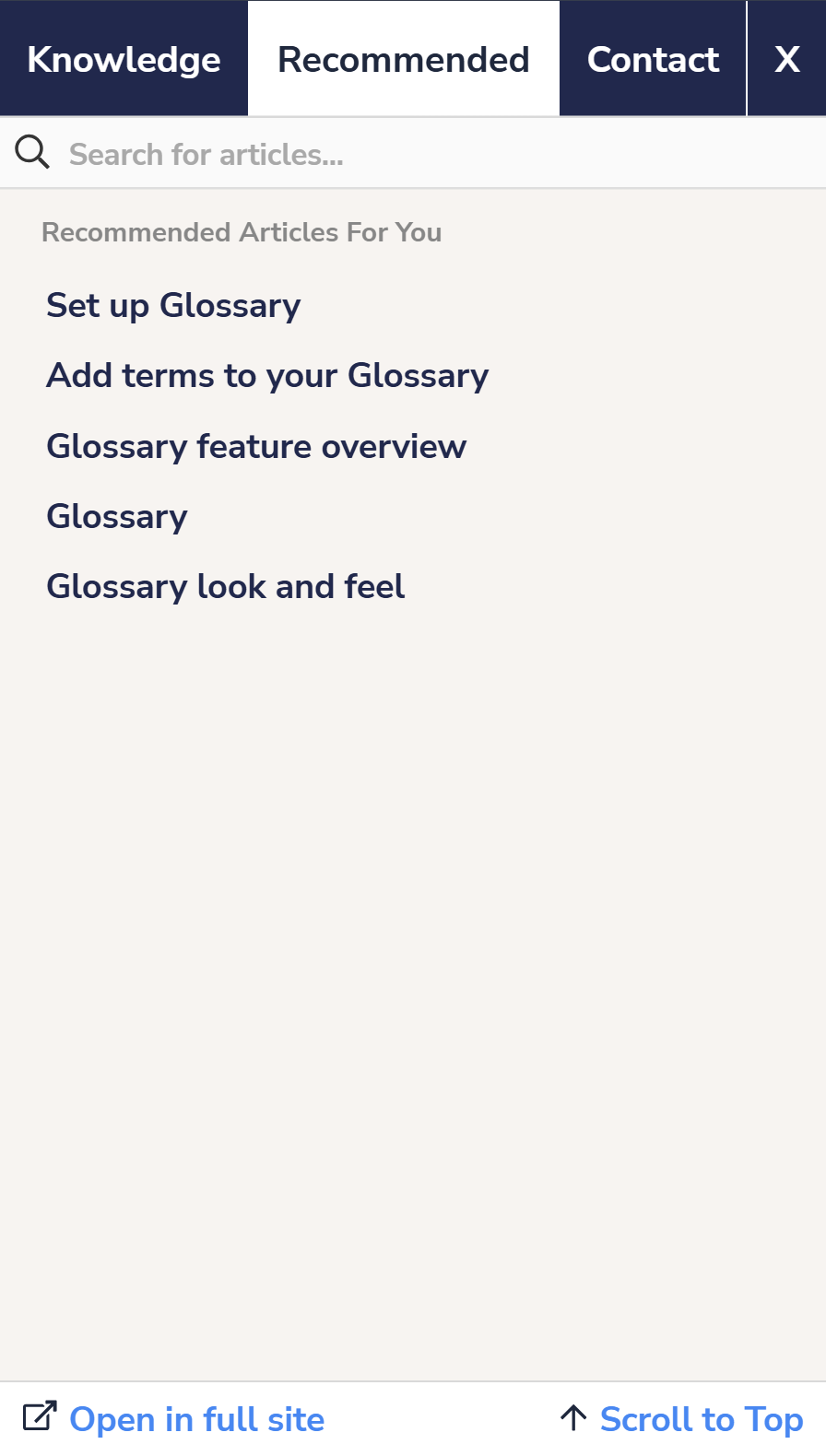 Widget 2.0, Recommended tab