
Only authors with Full Account Admin rights can create, edit, and delete notifications.
To delete a notification:
- Go to Account > Notifications.
- Select the tab for the type of notification you wish to Delete (Email notifications, Slack notifications, or webhooks).
- Hover over the card for the notification you wish to delete.
- Select the trash can icon that appears in the upper right:
The Delete notification modal opens. Verify that the named notification is the one you want to delete.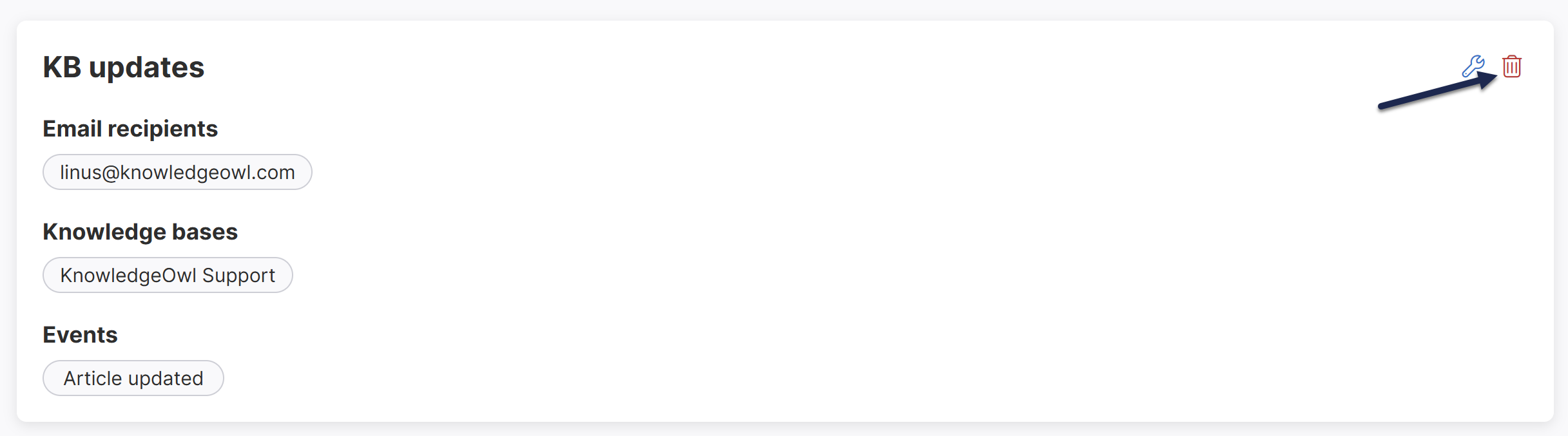 Select the trash can icon in the notification's card.
- Select Delete to confirm the deletion.
