
Only authors with Full Account Admin rights can create, edit, and delete notifications.
To edit an existing notification:
- Go to Account > Notifications.
- Select the tab for the type of notification you wish to edit (Email, Slack, or webhook).
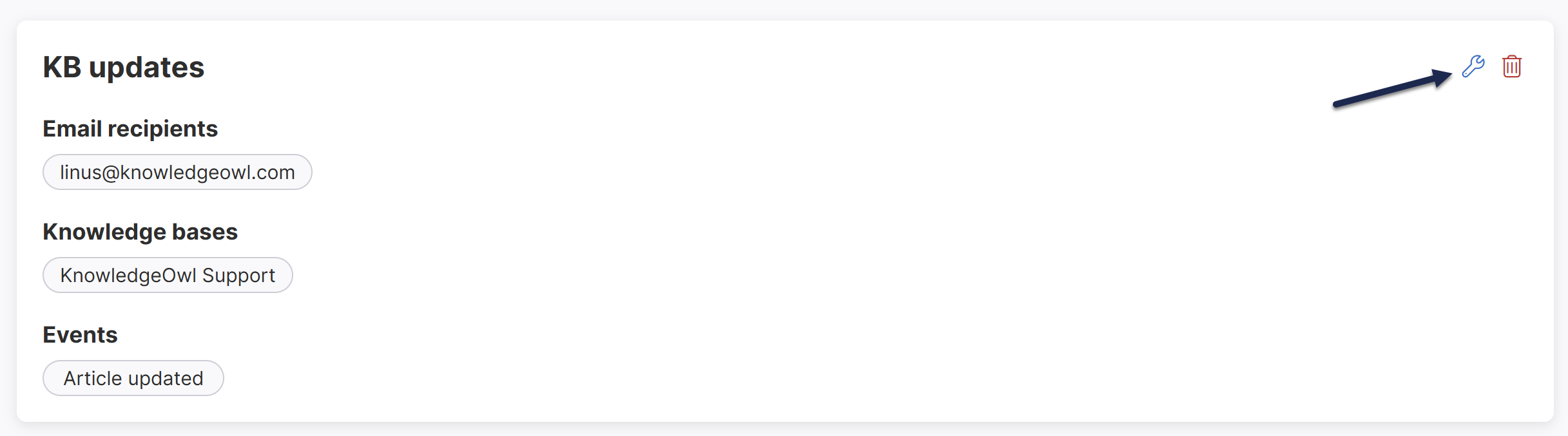
- Hover over the card for the notification you wish to edit.
- Select the wrench icon that appears in the upper right:
 The Edit Notification modal opens.
- Make the changes you'd like.
- Select Update notification to save your changes.
 The Edit Notification modal opens.