
To help with content auditing and visibility, KnowledgeOwl tracks when you save an article or a custom content category containing a snippet's merge code. We save this information in the snippet's References so you can quickly locate all the places where it's used.
When you have a snippet open for editing, the righthand menu displays this References section beneath the Restrict to Reader Groups section:
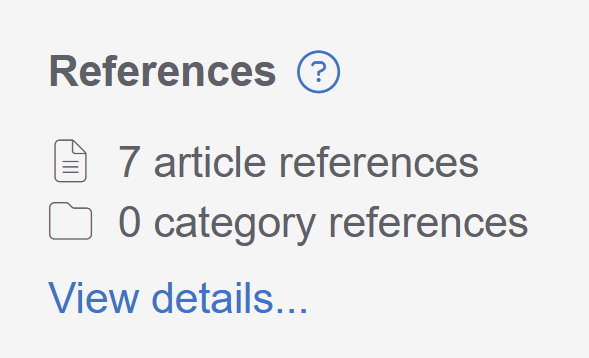 Sample snippet References section
Select View details... to open the References modal.
This modal displays a full list of the articles and custom content categories that reference this snippet. Articles include a badge that shows the article's publishing status:
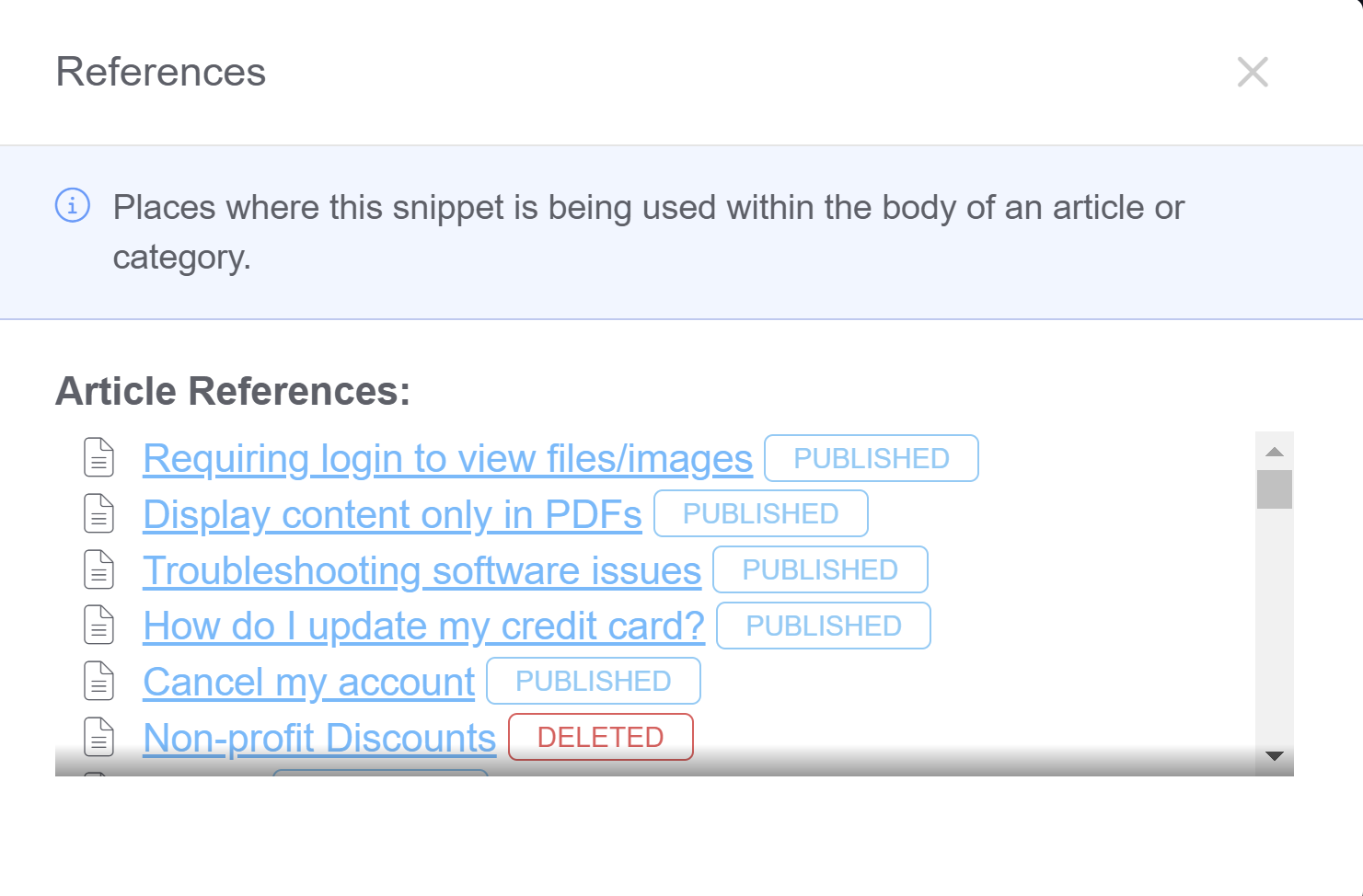 Sample References modal
The links open the article and custom content category for editing.
Snippets with no references or only to Archived or Deleted articles may